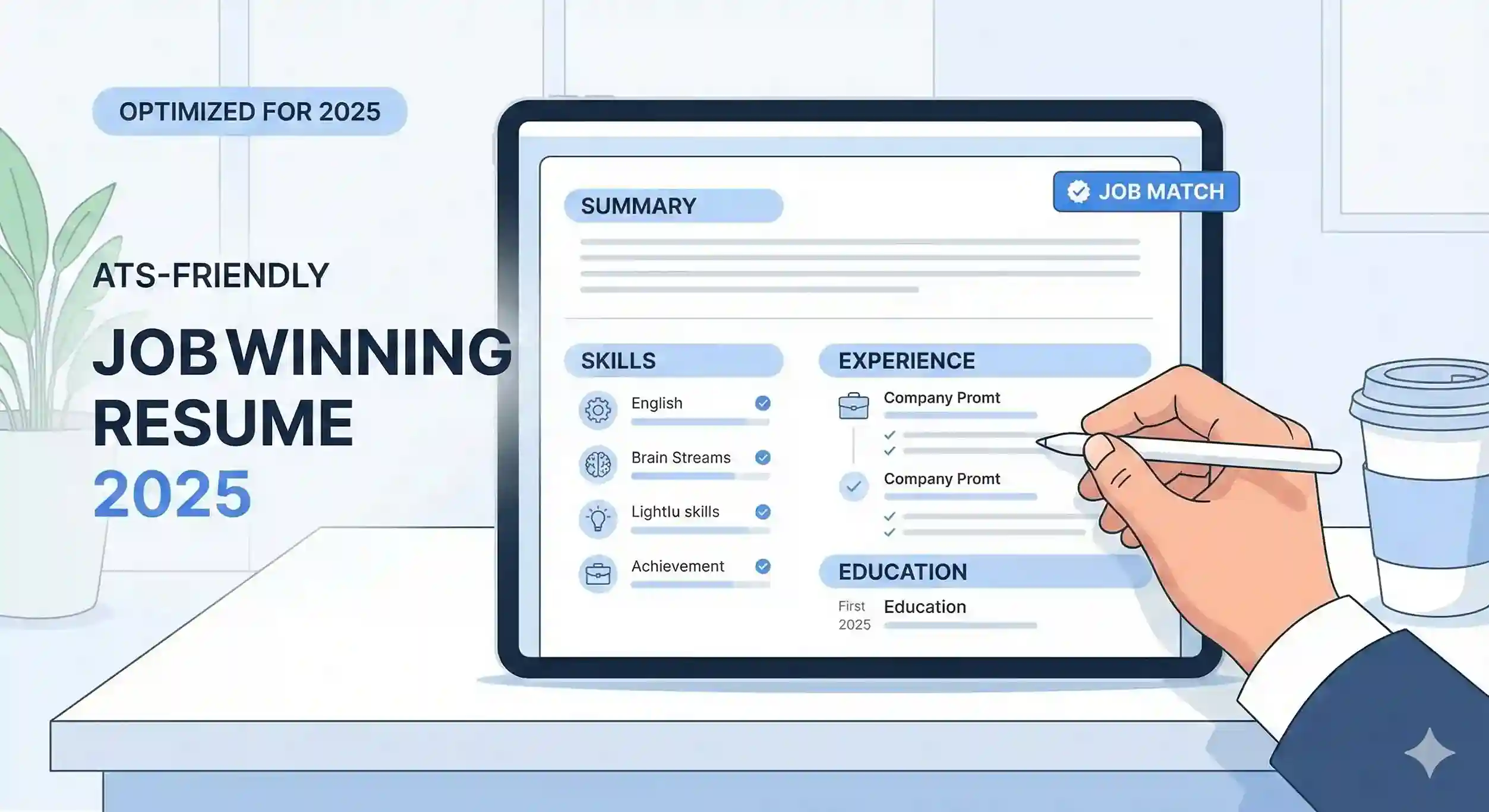
A job-winning resume in 2025 is all about clarity, structure, and keyword strategy. Recruiters spend an average of 6–8 seconds on a first scan, so every section must be intentional and easy to read.
Before You Start: Know Your Target Role
The biggest resume mistake is writing one generic version for every job. Before you start typing, decide exactly which role you’re targeting and collect two or three real job descriptions for that role.
- Highlight skills that appear in most of the job descriptions.
- Note the tools and technologies mentioned repeatedly.
- Pay attention to the words used in responsibilities and requirements – you’ll reuse many of them in your resume.
1Choose the Right Resume Format
Your format decides how your story is read. For most job seekers in 2025, a simple, chronological format is still the safest and most ATS-friendly option.
- Chronological (recommended): Focuses on your work experience from latest to oldest.
- Functional: Focuses on skills instead of experience – useful only if you have large gaps or very mixed experience.
- Hybrid: Mixes both – skills at the top, detailed experience below.
2Start With a Clear Resume Header
Your header should make it easy to contact you and quickly understand who you are.
- Full name and current city (no full postal address needed).
- One professional phone number and a clean email ID.
- Optional: LinkedIn profile, portfolio link, GitHub, or personal website.
- Optional: Job title that matches the role you’re applying for (for example, “Digital Marketing Specialist”).
3Write a Modern Resume Summary
Your summary should immediately tell the recruiter what makes you valuable. Instead of generic statements, use role-relevant keywords and measurable achievements.
- Keep it 3–4 lines maximum.
- Mention your experience level and domain.
- Include 1–2 measurable achievements (numbers, percentages, or outcomes).
- Use keywords from the job description naturally – not as a list of buzzwords.
Good Example
Digital Marketing Specialist with 4+ years of experience driving 200% growth in SEO traffic, managing paid campaigns across Google & Meta, and improving lead quality for B2B SaaS brands.
4Turn Responsibilities Into Achievements
Recruiters don’t want to read a copy-paste of your job description. They want to see what actually changed because you were in that role.
- Start every bullet point with a strong action verb (Implemented, Led, Optimised, Designed, Automated, etc.).
- Describe what you did, how you did it, and what happened because of it.
- Where possible, add numbers: revenue, users, time saved, cost reduced, efficiency increased.
- Keep 4–6 bullet points for your latest role, and 2–4 for older roles.
Achievement Bullet Example
Implemented a new lead-scoring system in HubSpot that increased MQL-to-SQL conversion rate by 32% within six months.
5Add Skills Recruiters Actually Search For
Your skills section should not be a random list of everything you’ve ever touched. Focus on skills that match the role and that you can defend in an interview.
- Group skills into categories like Technical Skills, Tools, and Soft Skills.
- Use wording similar to the job description so ATS can match them.
- Avoid outdated or extremely basic skills unless they’re explicitly requested.
- Remove skills you don’t want to be tested on in an interview.
6Keep the Layout Clean and ATS-Friendly
Applicant Tracking Systems struggle with overly designed resumes. A clean layout helps both ATS and human readers.
- Use a simple, professional font (for example, Arial, Calibri, Inter).
- Stick to standard headings: Summary, Experience, Education, Skills, Projects, Certifications.
- Avoid text boxes, tables, WordArt, and heavy graphics.
- Use bullet points instead of long paragraphs for experience.
- Save and send your resume as a PDF unless the employer asks for Word.
7Tailor Your Resume for Each Application
You don’t need to rewrite your entire resume for every job, but you should always make small, focused edits to match each posting.
- Adjust your headline or job title to mirror the role title (where relevant).
- Reorder bullet points so the most relevant achievements come first.
- Add or remove 1–2 skills to align with the job description.
- Update your summary to mention the specific domain, industry, or product type.
8Education, Certifications, and Projects
These sections help prove that you can learn, execute, and upgrade your skills over time. For freshers and early-career professionals, they are often more important than experience.
- For education, include degree, university, location, and year of completion.
- Mention relevant coursework only if it strengthens your fit for the role.
- Add certifications from credible platforms (Google, HubSpot, AWS, etc.).
- For projects, briefly explain the goal, your role, tools used, and outcomes.
9Final Checklist Before You Send
Spend 5 minutes doing a final quality check – this alone can save you from unnecessary rejections.
- Spell-check and grammar-check the entire resume.
- Make sure dates, company names, and job titles are consistent.
- Confirm links (LinkedIn, portfolio, GitHub) are clickable and up to date.
- Ask a friend to scan the resume for 10 seconds and tell you what stood out – if nothing stands out, make your achievements sharper.
- Name your file professionally, e.g., Firstname-Lastname-Role-Resume.pdf.
Bonus: One-Page vs Two-Page Resume in 2025
Most professionals still do best with a one-page resume, especially if they have under 10 years of experience. However, a two-page resume is fine if it’s tightly written and filled with relevant details.
- Use one page if you’re a fresher, early-career, or have under 8–10 years of experience.
- Use two pages for senior roles, management positions, or highly technical profiles.
- Never go beyond two pages unless you’re in academia or research and explicitly asked for a CV.