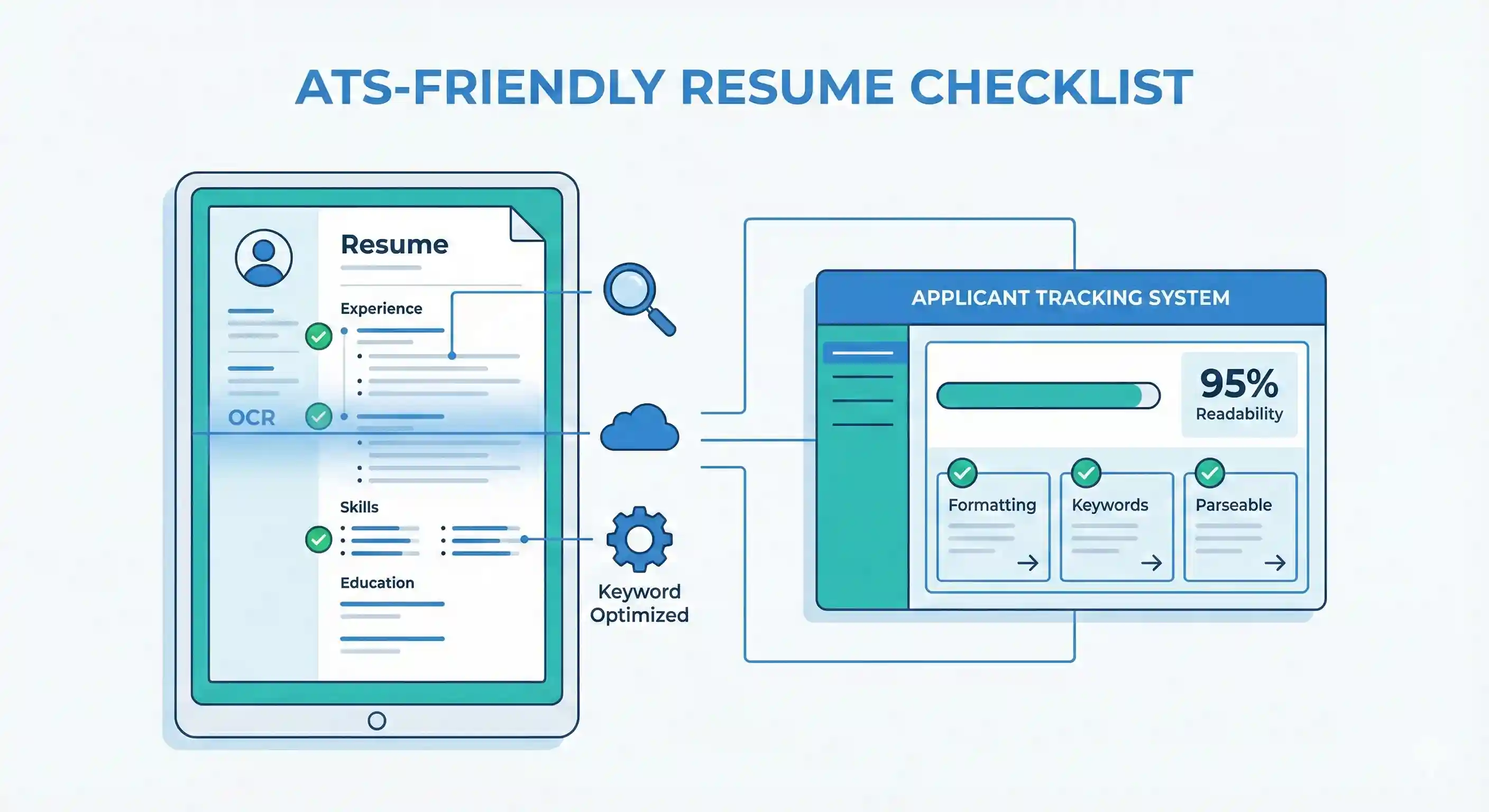
Over 90% of medium and large companies now use Applicant Tracking Systems (ATS). An ATS-friendly resume ensures your application passes the initial automated filter and reaches a human recruiter instead of getting rejected silently.
1Use Standard, Simple Section Headings
ATS tools scan your resume to detect and classify sections. Creative headings like “My Journey” or “What I Bring” can confuse the parser.
- Use headings such as: Summary, Experience, Work Experience, Professional Experience.
- For education, use: Education, Academic Background, Qualifications.
- For skills, use: Skills, Technical Skills, Key Skills.
- Avoid symbols or emojis in headings (❌ “⭐ Skills I Love”).
2Choose an ATS-Safe File Type
Most ATS systems read .docx and PDF formats, but older systems can struggle with PDFs generated from design tools.
- Preferred formats: .docx (Word) or text-based PDFs exported from Word/Google Docs.
- Avoid image-based PDFs or resumes created entirely in Photoshop, Figma, or Canva with heavy design elements.
- If the job portal explicitly says “Upload Word format only”, follow that instruction strictly.
3Use a Clean, Linear Layout
ATS reads your resume from top to bottom, left to right. Multiple columns, sidebars, and complex tables can break the reading order.
- Stick to a single-column layout for maximum safety.
- If you use columns, keep them simple and avoid nested tables.
- Do not place important information inside headers, footers, shapes, or text boxes.
- Avoid excessive icons, graphics, timelines, and infographic-style layouts.
4Optimize Keywords the Right Way
ATS software compares your resume to the job description and scores it based on keyword matches. But stuffing keywords without context can still get you rejected.
- Identify 10–15 keywords from the job description (skills, tools, certifications, role titles).
- Blend them naturally into your summary, experience bullets, and skills section.
- Include both long-form and short-form versions where relevant (e.g., “Search Engine Optimization (SEO)”).
- Avoid keyword blocks that look fake like: “SEO, SEO tools, SEO strategy, SEO manager, SEO keywords…”.
Good Keyword Usage
Improved SEO performance by 120% year-on-year by implementing a technical SEO audit, optimising on-page SEO, and building a structured content strategy.
5Use Standard Fonts and Font Sizes
Unusual fonts may not be recognised correctly by ATS and can display poorly on the recruiter’s system.
- Use fonts like Arial, Calibri, Times New Roman, Georgia, Inter, or Roboto.
- Keep body text between 10–12 pt size and headings around 12–14 pt.
- Avoid handwriting or decorative fonts completely.
6Avoid ATS-Unfriendly Elements
Anything that interrupts the text flow can cause parsing issues.
- Avoid: text boxes, WordArt, SmartArt, charts, and diagrams.
- Avoid: photos, logos, and icons where possible.
- If you use bullet points, stick to simple round or square bullets instead of custom symbols.
7Structure Your Work Experience Clearly
ATS and recruiters both look for clear patterns in your work history.
- Follow a consistent order: Job Title → Company → Location → Dates.
- Write months in full or short text form (Jan 2022 – Dec 2024), not only numbers (01/22 – 12/24).
- Keep each bullet concise but outcome-focused, using measurable impact wherever possible.
8Test Your Resume for ATS Readability
A simple test can help you catch common ATS issues before applying.
- Copy all the content from your resume and paste it into a plain text editor (Notepad, Notes, etc.).
- Check whether the text appears in the correct order and is easy to read.
- If sections look jumbled, misaligned, or missing, simplify your layout.
9Final ATS Checklist Before Submitting
- ✓ Standard headings: Summary, Experience, Education, Skills, etc.
- ✓ Simple fonts and no decorative elements.
- ✓ No important content inside tables, images, or text boxes.
- ✓ Keywords from the job description used naturally in multiple sections.
- ✓ File saved as .docx or clean PDF as per job portal instructions.